
I was introduced to the z/VM hypervisor in the early 2000s, around the time that IBM announced formal support for Linux on the System/390 family (earlier in my career I had heard of something called “VM/ESA”, and thought it sounded cool). I was part of the team that wrote the “ISP/ASP Solutions” IBM Redbooks publication, and during that residency I got to log on to “VM” for the first time. I had little idea what I was doing, but I knew that it could do amazing things — this was 2001, virtualisation was a concept little-understood in the computing industry, and it seemed to me like the possibilities were endless.

Over the years since that residency I learned a lot more about z/VM. I have worked with dozens of organisations that see the value in virtualising Linux-based systems on IBM Z and LinuxONE. From experienced “mainframe” shops to first-in-enterprise installations I have seen a huge variety of techniques to manage z/VM and Linux guests. During that time, the process to install a z/VM system has changed very little — you start with a DVD image ordered through IBM, you put the files from the image onto an FTP server (or USB media, or an actual DVD), load the LPAR, follow the instructions using a 3270 screen, and you’d have a z/VM system. Once you did the install though, the system was not ready for workload: you’d have more work to install management utilities, configure networking, add disk space to the system, and other tasks in order to prepare the system for running your workloads. Depending on your experience level this might take anywhere from a day or so to three or four weeks.
In 2017 I was challenged to come up with a rapid way to deliver z/VM systems to a brand new installation. I built a z/VM system in a lab system in Sydney, complete with all the customisation needed, and dumped the disks (using Linux dd) to files which I wrote to a USB drive and flew to the target site. Reversing the process, I got the first z/VM systems in this brand-new installation up and running in a fraction of the time usually required.
A couple of years later I described the process to a colleague, and the idea of a general-purpose method to do rapid installation of fully-customised z/VM systems was born. My colleague assembled a team of highly experienced z/VM practitioners to work on what would become known as z/VM Express System Installation, or ESI. We adopted the logo and name of the famous “Skunk Works” from Lockheed-Martin, developers of iconic technologies like the SR-71.
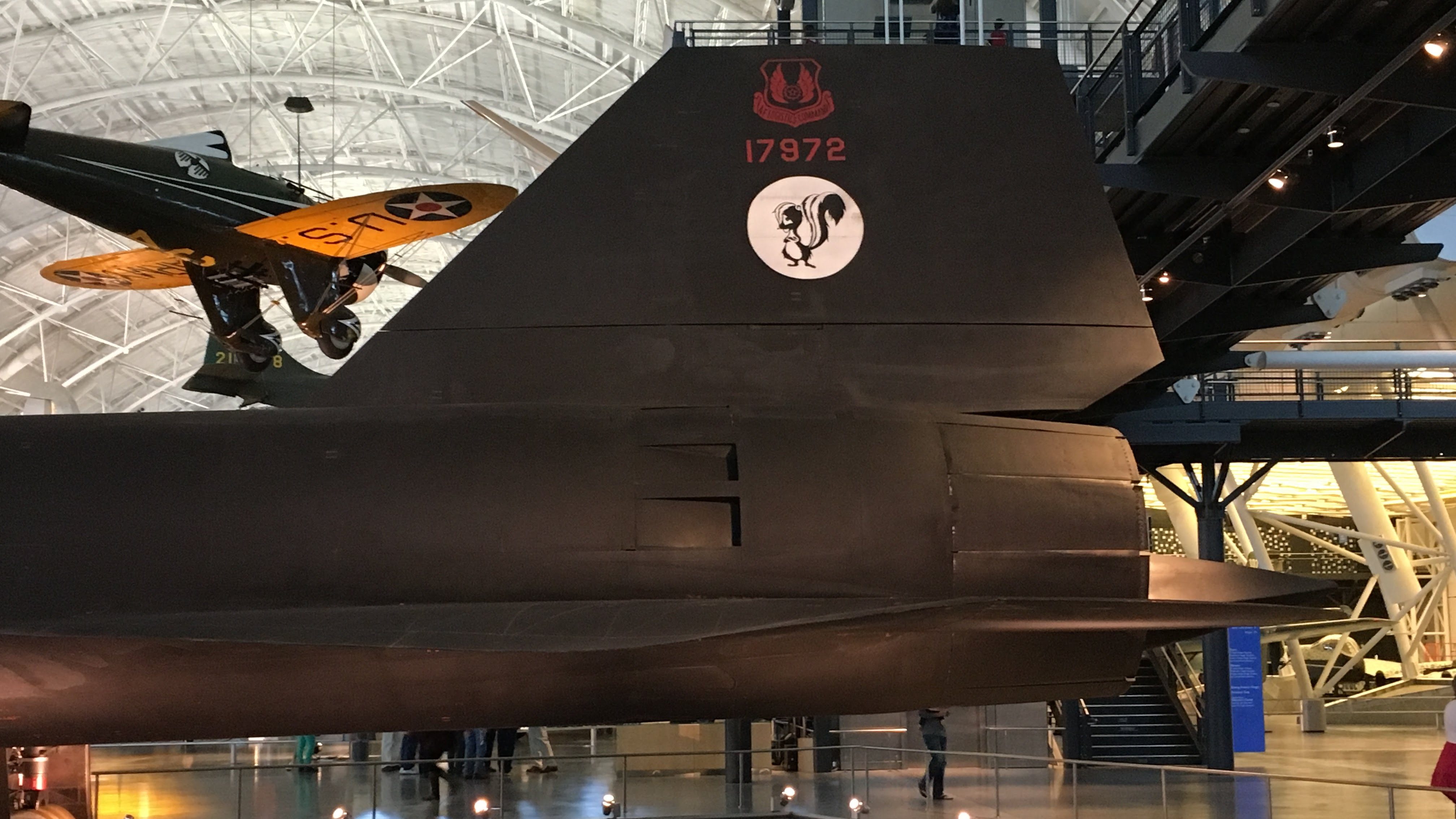
At the heart of z/VM ESI is the desire to decrease the time-to-value for companies adopting or using z/VM. We want to get functional systems up and running more quickly, with less complexity. To help with the time-to-value objective, we include a Linux-based virtual machine in the package — this Linux system includes a web interface with helpful utilities and portals to other functions such as Cockpit and z/VM Performance Toolkit. It also includes web-driven automation to deploy Red Hat OpenShift Container Platform and IBM Cloud Infrastructure Center. We call this Linux-based system the Express Linux Automation and Networking node, or ELAN.
z/VM ESI is an after-six passion project at present. Having said that, with the interest in “mainframe modernisation” shown by IBM and other vendors, our team has demonstrated that z/VM can be an active participant in such modernisation and we’ve generated a lot of interest.
Our little project is not alone in the modernisation of z/VM. IBM has delivered important enhancements to z/VM usability in recent years, with GetShopz and the Performance Data Pump being two notable examples (incidentally, both developed by someone I met and worked with on that first Residency back in 2001). GetShopz simplifies the process of uploading system maintenance to your z/VM systems, while the Data Pump exposes a trove of performance-related data for visualisation using Grafana or Splunk.
I’m glad that, almost 25 years ago, I decided to see what “this Linux on the mainframe thing” could do… and despite still doing the occasional z/OS networking engagement I’ve worked on Linux on IBM Z and LinuxONE pretty-much ever since. z/VM has put me in touch with the coolest technology, the greatest people, and the warmest community in IT (c’mon, z/VM’s mascot is a teddy bear!). I am looking forward to where z/VM goes in the future!

 Crossed Wires
One thought on “z/VM Express System Installation (ESI)”